Schedule the work. Skip the worker.
Set a time. Send email campaigns the way you'd send them live — under the right user, with retries built in, even after a server restart. Same back end. Just on a clock.
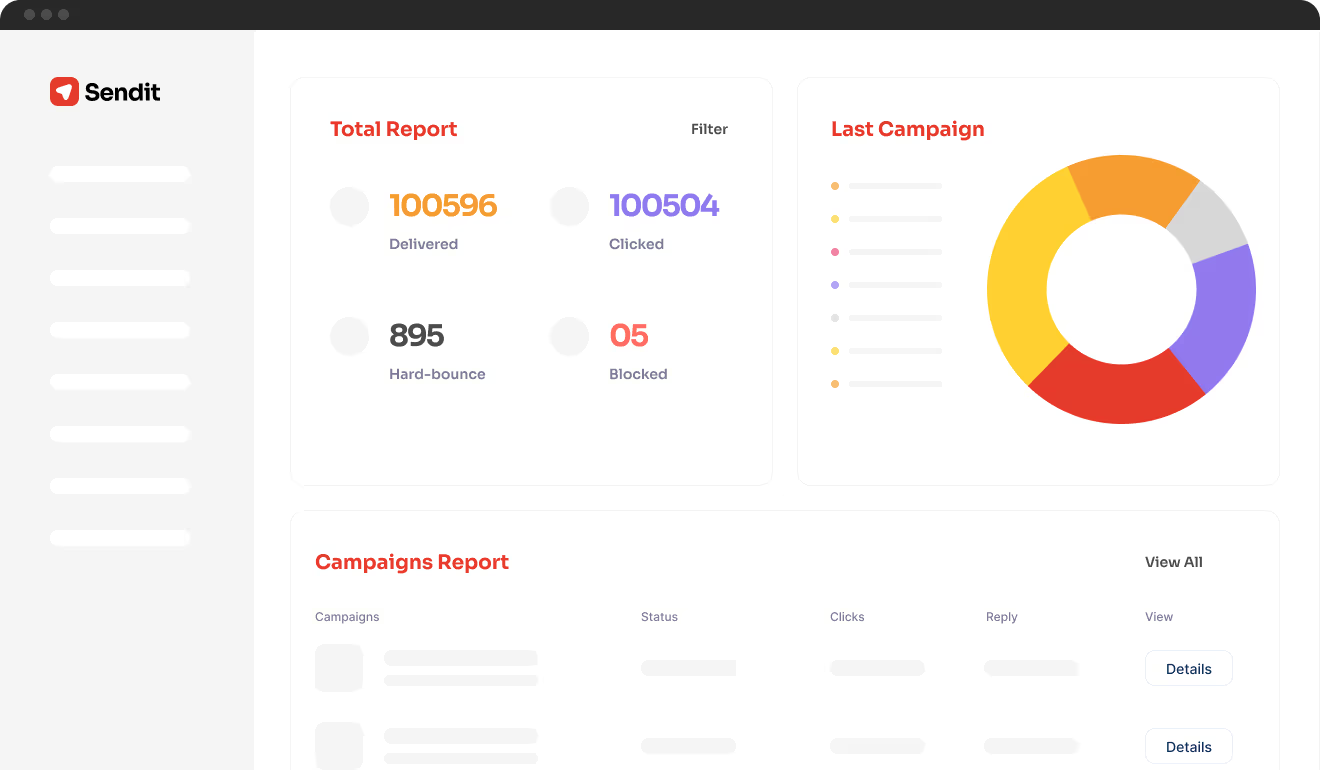
Scheduler Dashboard
Image placeholder — hero illustration
Why this exists
Setting up scheduled work is hard. You need servers. You need retries. You need a plan for when things crash. You need to control who can do what.
We do all of that for you. So you can build what matters.
What it does
Pick any time
Every hour. Every day at 9 AM. Every Monday. Any custom time. We check it at save, so you do not get a surprise later.
Send email campaigns
All your users. A group. One person. Same shape as a campaign you'd send live — just on a clock.
Runs as the right user
Each task runs with a real user's access. Remove their access — the task stops. No "scheduler runs as admin" risks.
Smart retries
Small problem like a network glitch — we try again. Real bug — we stop the task and tell you. No infinite retry storm.
Always remembers
Server restart? Deploy? Scale up? Your scheduled tasks keep running on time. Nothing is lost.
One switch for everything
Turn the whole scheduler off with one click. Turn it back on — every active task comes back. No surprises.
Watch it work.
Set a time. Pick a campaign. Save. We send it on the clock.
Why this is different
Most schedulers are dumb.
They run a script and hope. We run your task the same way as a real button click in your app. Same security. Same checks. Same result.
Most schedulers can do anything.
They run with full power. Ours runs with one user's access. If that user can't do it, the task can't either. Safer by default.
Most schedulers fail in silence.
A broken task can fire every five minutes for months. Ours stops on real bugs. One failed run, one auto-stop, one note for you. Fix it, turn it back on.
How it works
Three short steps. We handle the rest.
Pick a time
When should it run? Daily at 9 AM. Every hour. Every Monday. Whatever you need.
Pick the campaign
Pick the email campaign and the recipients. Pick the user whose access the task uses.
We do the rest
On-time runs. Retries. History. Safe restarts. All built in. You just check it works.
What happens when things go wrong
No magic. No hidden surprises. Just clear rules.
Small problem (network glitch)
We try again. Up to 3 times. With small waits between tries. You can see every attempt.
Real bug (wrong setup, missing data)
We stop the task. You see the error. Fix it, turn it back on. No silent retry every 5 minutes for a month.
Server restart
Your tasks keep running on time. We remember every active task and bring it back automatically.
You turn the scheduler off
Every task stops together. Turn it back on — every active task comes back. Nothing forgotten, nothing surprises you.
No "run now" button. No "pause." No retry-by-hand. The idea is simple: schedule, watch, fix if needed, turn back on. If you need a one-off run, just trigger it from your app directly.
Stop building the same scheduler on every project.
We handle the time, the retries, and the security. You just say what to do.
Join the waitlist